Redirect Abuse in 2026: What Still Works
For years, attackers have used redirects through trusted domains to slip phishing links past email security. The technique is simple, wrap a phishing URL inside a google.com/url?q=... redirect so the link in the email body originates from a domain on every allowlist. Scanner sees Google, scanner passes the link, user clicks, user lands on the phishing page.
That used to work cleanly. In 2026, most of it doesn't anymore. We spent a week testing every documented trusted-domain redirect technique against real platform responses. Most are dead. A few are still alive, and one of them is dangerous in a way that isn't widely understood.
This post documents what we found.
What we tested
We ran each technique through curl against a controlled destination (lexlabtools.com), then opened the same URLs in a real browser to see what an actual user would experience. Screenshots throughout this post are from the browser tests.
The destinations were always our own domain. No third party was involved, no real phishing pages were hosted.
Google /url, the classic open redirect, now broken
The most-documented Google redirect is https://www.google.com/url?q=https://destination.com. For years, this redirected silently to whatever you put in q=. In 2026 it does this:
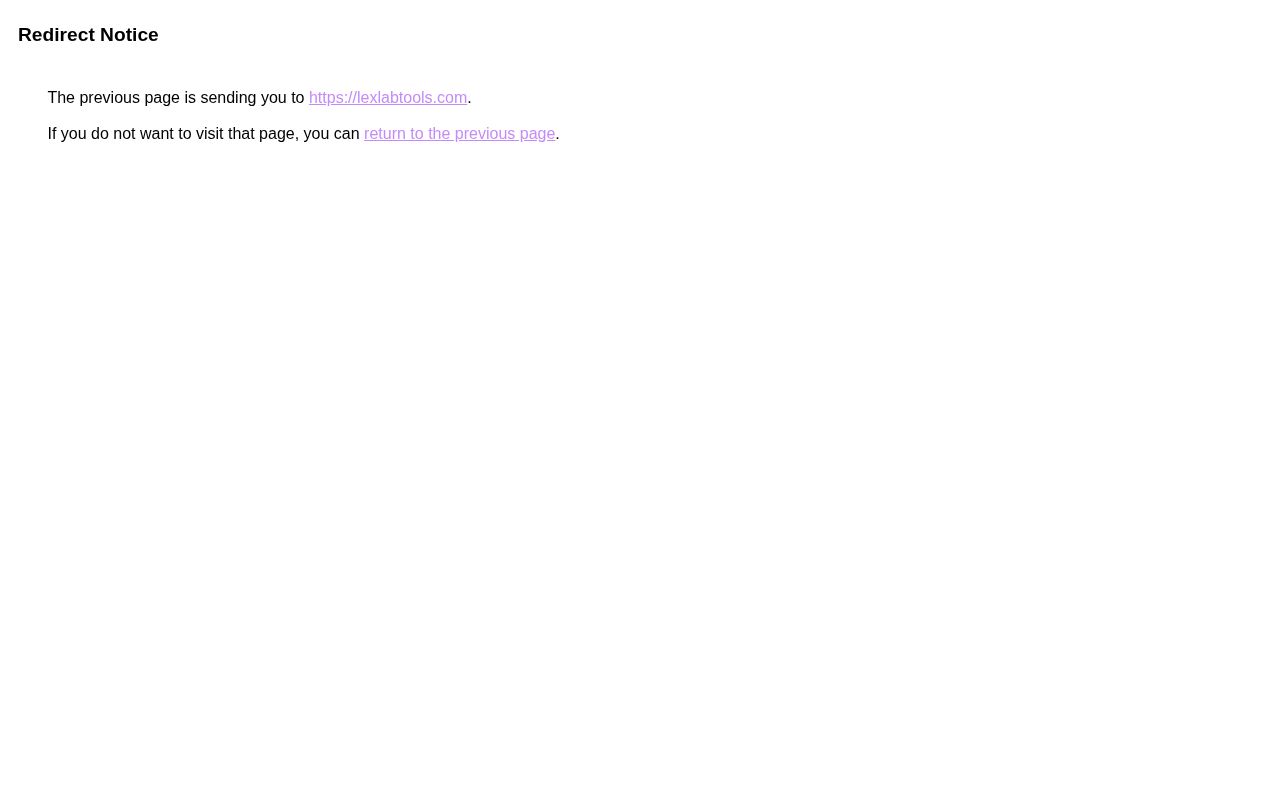
A plain white page titled "Redirect Notice" with the destination URL as a clickable hyperlink. The user has to manually click to proceed. Google internally marks these requests with oi='unauthorizedredirect', it knows the URL was crafted manually rather than signed by a legitimate Google product.
To bypass the warning, you need a valid usg= signature for the destination domain. Google generates these for legitimate Google products (Calendar, Search results, Docs share notifications). Attackers can sometimes harvest valid signatures from real emails, but that's a much harder operation than crafting a redirect URL by hand. For a generic phishing campaign with an attacker-registered domain, this path is closed.
google.com/amp/s/<domain> and the "I'm Feeling Lucky" button (btnI=) both fall into the same broken path, they chain through google.com/url and hit the same warning.
Google AMP CDN, still works, no warning at all
The one Google-domain technique that still works silently in 2026 is cdn.ampproject.org. The URL format encodes the destination domain as a subdomain (dots become dashes):
https://lexlabtools-com.cdn.ampproject.org/c/s/lexlabtools.comOpened in a browser:
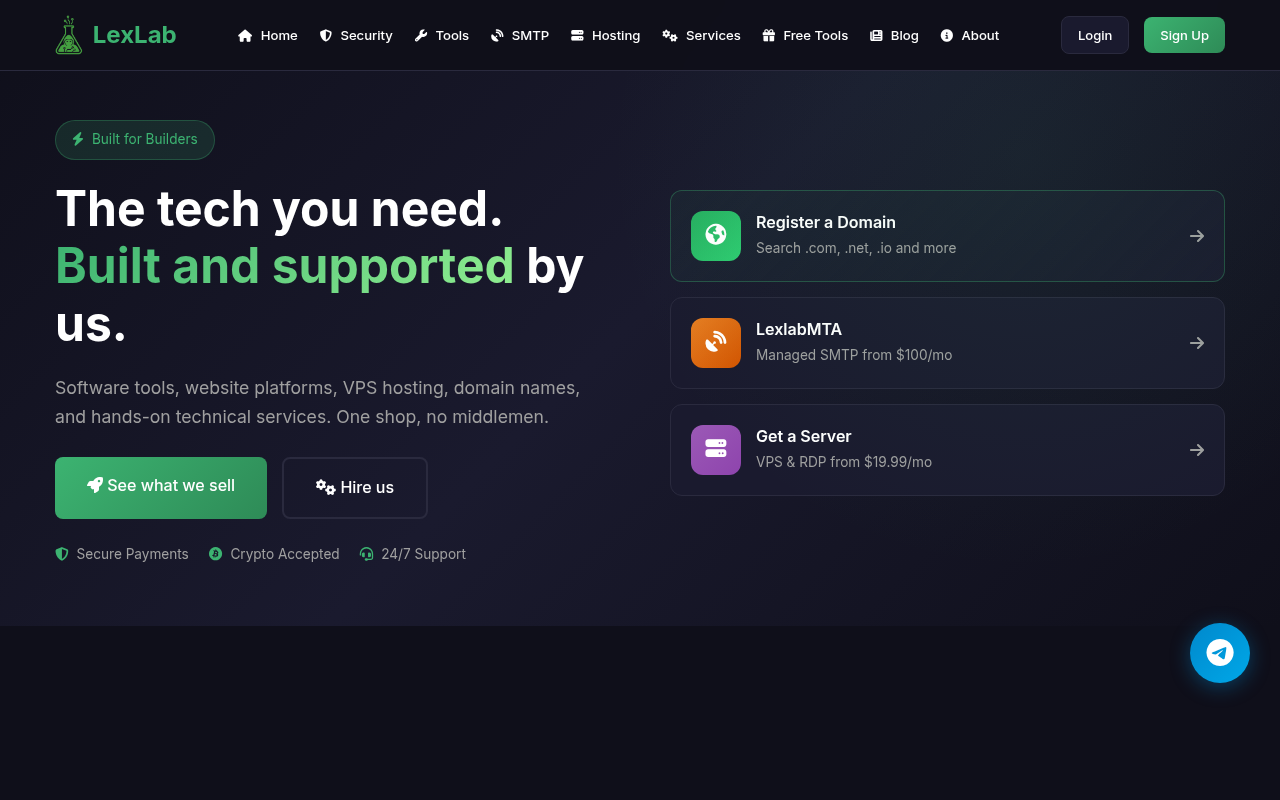
That's the destination site, rendered in full, under cdn.ampproject.org in the address bar. No interstitial. No warning. No click required.
The mechanics: AMP CDN returns an HTTP 200 with a Location: header (a soft redirect), plus a <meta http-equiv="refresh"> tag in the body, plus a JavaScript location.replace() call. Any real browser follows one of these and reaches the destination. HTTP-only scanners that only follow 3xx redirects see a 200 OK and stop at the Google domain.
A note on trust: ampproject.org is fully Google-owned. The DNS resolves to Google LLC ASN, the SPF record is v=spf1 include:_spf.google.com ~all, and the TLS cert is issued by Google Trust Services. But the domain name itself is less universally recognized than google.com. Email security products that do IP/ASN reputation checks pass it. Products that specifically parse the AMP CDN subdomain pattern can extract the encoded destination and check that separately, but most don't.
The one limitation: AMP CDN won't help with link preview social engineering. The AMP page returns no Open Graph metadata. An email client trying to generate a preview card for the URL will either show nothing or have to follow the meta-refresh to the destination. There's no way to make the preview show a fake Microsoft login under a Google URL.
Google Translate, alive, but with a new TLD
translate.google.com/translate?u=<destination> now redirects to a new Google TLD:
https://<destination-with-dashes>.translate.goog/Google retired translate.googleusercontent.com in favor of the .goog Google-owned TLD. The destination domain becomes a subdomain with dots replaced by dashes.
Opened in a browser:
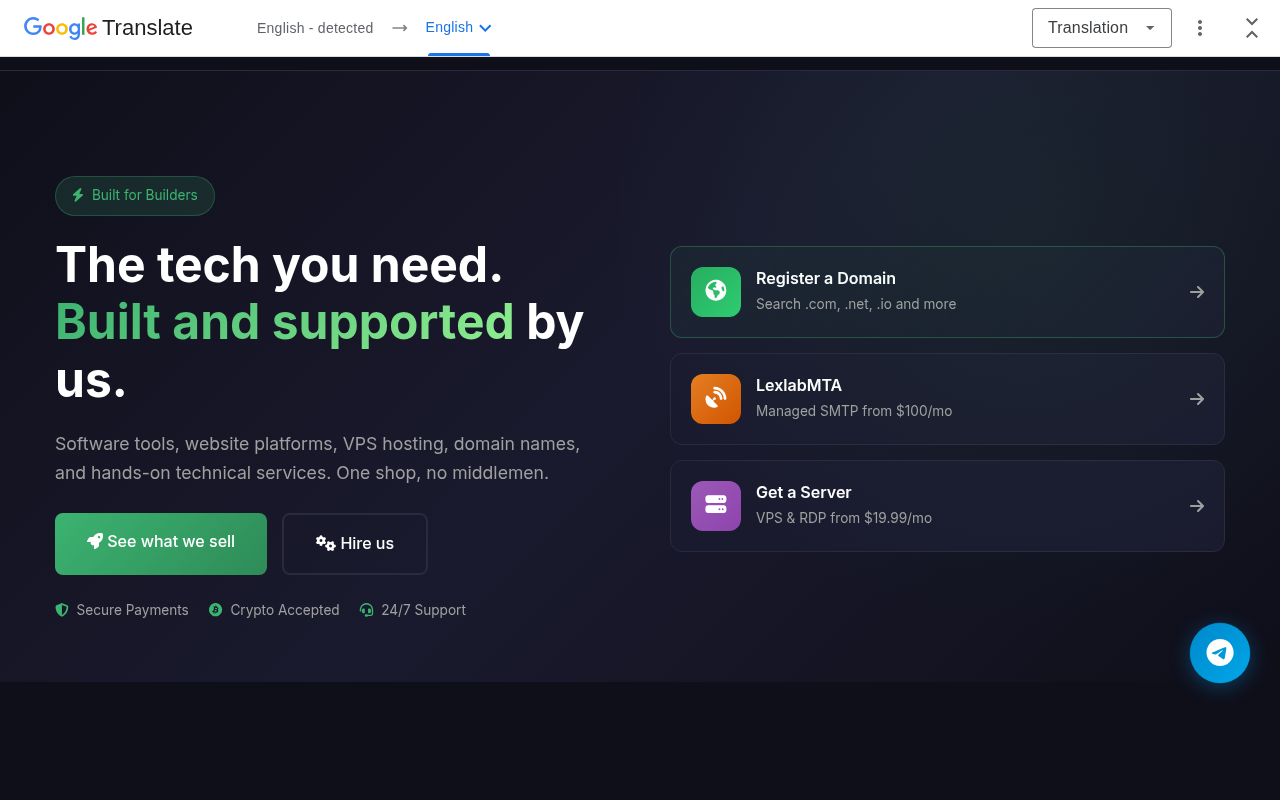
The destination site renders in full with a small Google Translate bar at the top. The bar is minimal, on mobile it would be even less prominent. A user focused on the page content might not notice.
The address bar shows lexlabtools-com.translate.goog, a Google-owned domain. Email security products that allowlist .goog (because it's Google) pass this. Products that parse the subdomain encoding to extract the destination domain can catch it, but .goog is a relatively new TLD category and many products haven't trained on it yet.
YouTube redirect, branded warning, but still clickable
youtube.com/redirect?q=<destination> shows a warning page:
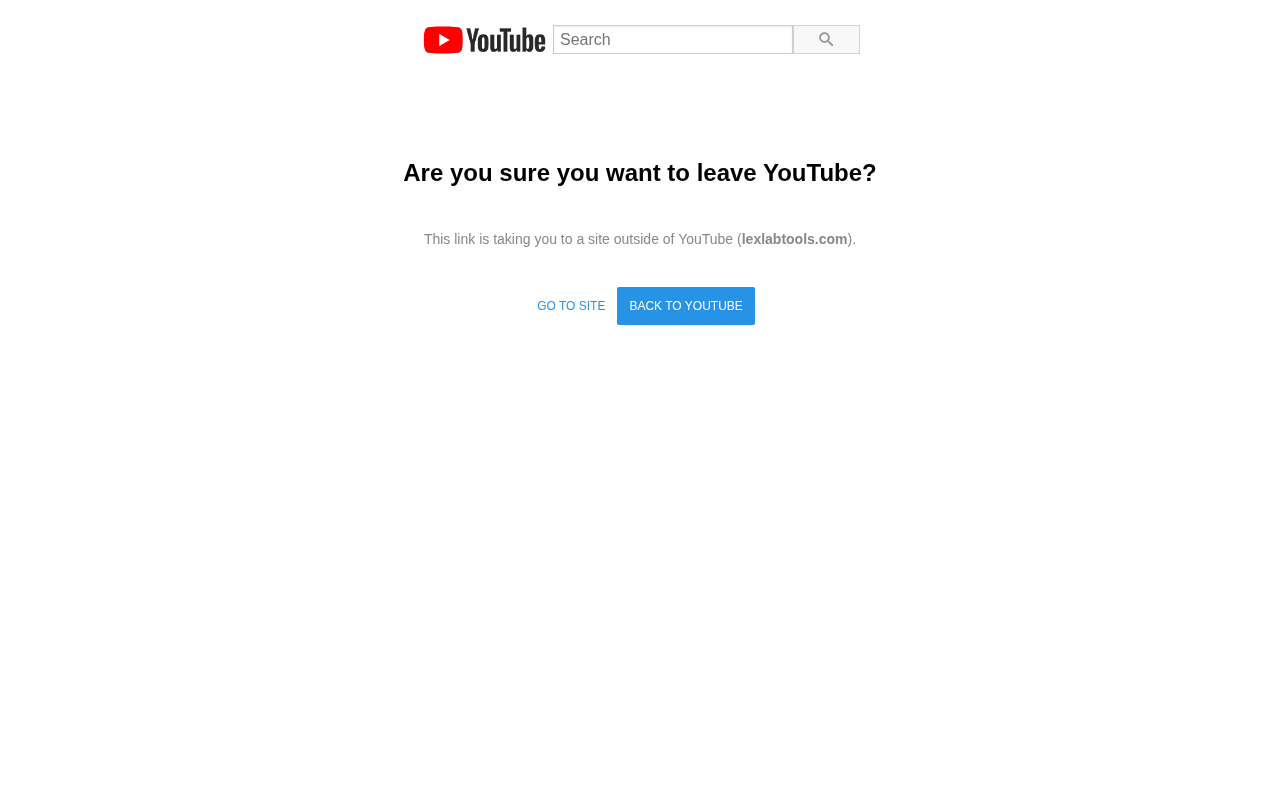
"Are you sure you want to leave YouTube?", branded, with the destination URL shown explicitly. Two buttons: "BACK TO YOUTUBE" (the prominent blue one) and "GO TO SITE" (plain text). The user has to choose.
The warning is more visible than Google's plain "Redirect Notice" but the path forward is still there. In a phishing scenario where the user is expecting a YouTube link (claimed video, claimed channel notification), the "GO TO SITE" click is natural. The warning creates friction. It doesn't stop a determined click-through.
The same youtube.com/redirect URL produces three different warning states depending on the destination's reputation:
malicious-redirect-warning-icon, destination is on Google's bad-URL listinvalid-token-redirect-warning-icon, request is unsignedpending-url-redirect-warning-icon, destination is unverified
All three result in the same user-facing page in 2026's tests. The event=video_description parameter that used to scope the warning makes no difference.
LinkedIn redirect, hardest defense of the group
linkedin.com/redir/redirect?url=<destination>&urlhash=test (with an invalid hash) responds with a different kind of page:
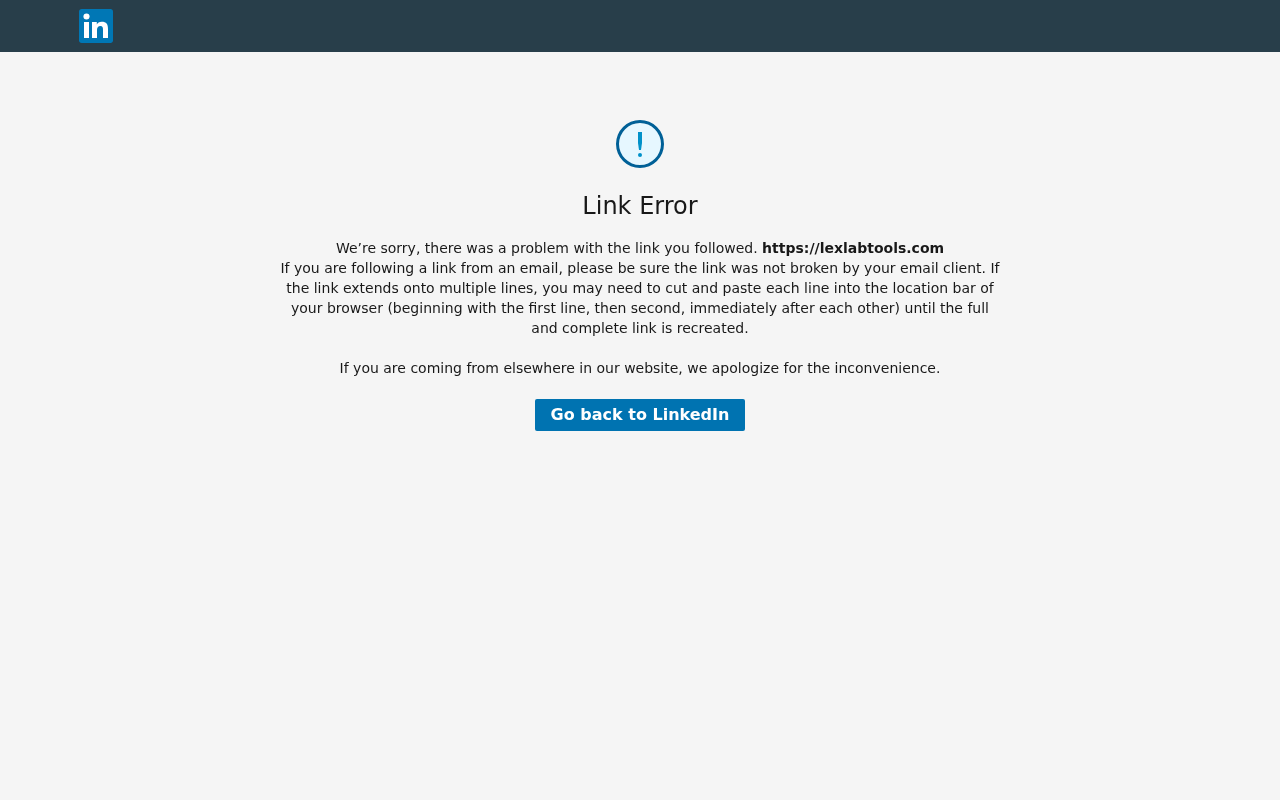
"Link Error." Not a warning, not a choice, an error. The destination URL is displayed but not as a hyperlink. The only button is "Go back to LinkedIn." There's no path forward for the user. Of every platform we tested, this is the strongest defense.
Like Google's usg, a valid urlhash would presumably bypass this and redirect silently. But you can't manually craft a valid hash, you have to harvest one from a real LinkedIn-generated email.
Microsoft OAuth, the consent phishing path
login.microsoftonline.com/common/oauth2/v2.0/authorize?client_id=...&redirect_uri=<destination> is a different kind of attack surface. With a fake client_id:
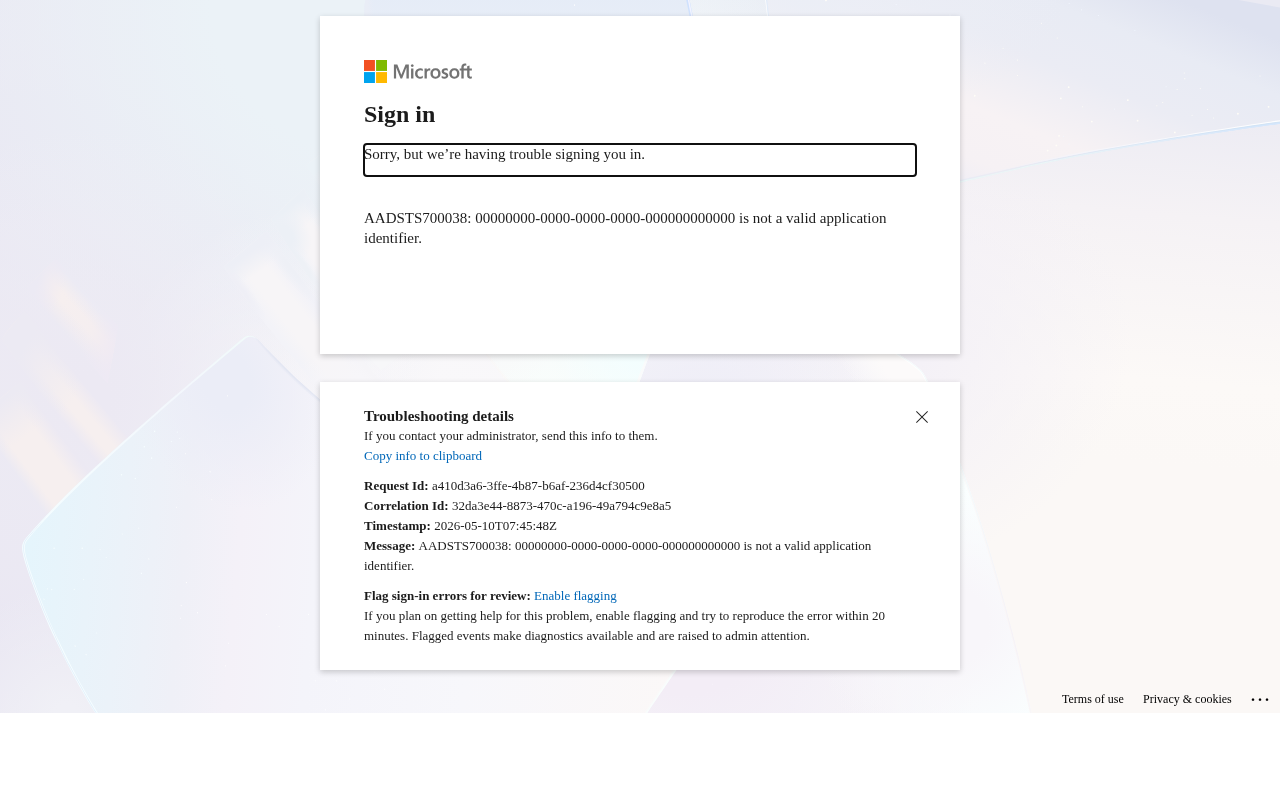
You see the real Microsoft sign-in UI with an error: "AADSTS700038: ... is not a valid application identifier." Microsoft validates the client_id before letting the flow proceed.
With a real client_id (and any attacker can register a free Microsoft Entra app to get one) the flow does proceed. The user sees a real Microsoft sign-in page, signs in, gets a consent screen for the requested scopes, grants consent, and Microsoft redirects them to the attacker's redirect_uri with an auth code. This is OAuth consent phishing, also called illicit consent grant.
This isn't a redirect vulnerability. Microsoft is doing exactly what OAuth specifies. The attack works at the user-consent layer, not the URL layer. Defense is at Entra app governance: block new app consents that request high-value scopes, require admin consent for sensitive permissions, monitor AuditLogs for new OAuth grants.
What this means
The blanket open-redirect-through-trusted-domain abuse pattern of 2018-2023 is largely closed by 2026. Every major platform (Google, YouTube, LinkedIn, Facebook, Bing, DuckDuckGo, Microsoft OWA) has added signature/token validation. Without harvesting a valid signature from a real platform-generated URL, you get a warning page or an error.
What's still viable:
cdn.ampproject.org, silent, no warning, fully Google-owned domain. The most dangerous technique that remains.- *
.translate.goog**, alive with a barely-visible Translate bar. New TLD that not all scanners recognize. aka.ms. Microsoft short links work via 4-hop redirect chains, but creating arbitraryaka.mslinks requires Microsoft Partner access. Real abuse path is partner-account compromise.login.microsoftonline.comOAuth, consent phishing, distinct defense surface.
For defenders: the answer isn't blocking these domains (you'd break legitimate Google and Microsoft traffic). The answer is extracting and evaluating the redirect destination independently of the first-hop domain. A scanner that sees cdn.ampproject.org/c/s/recent-phishing-domain.com should evaluate recent-phishing-domain.com (its certificate age, its hosting ASN, its reputation history) separately from the ampproject.org wrapper. Most scanners don't do this yet.
In the next post we go after a different category, actual open redirect bugs that platforms forgot to fix. We hunted through 80+ trusted endpoints and found one that's still live and dangerous.